
Transaction Search


This quick video shows how staff search for any payment record in ProSight in seconds instead of digging through a queue.
How do staff find a payment record in ProSight?
What it does: Staff can find any payment record in ProSight in seconds without digging through a queue.
Search options: email address, transaction ID, account number, or payment amount. Results can be filtered and exported to CSV. Clicking a transaction opens a details page with payment information, customer details, and a full activity log, including timestamps and any staff actions taken on the record.
Related Videos
Demo Video
0:55 mins – Agency Experience
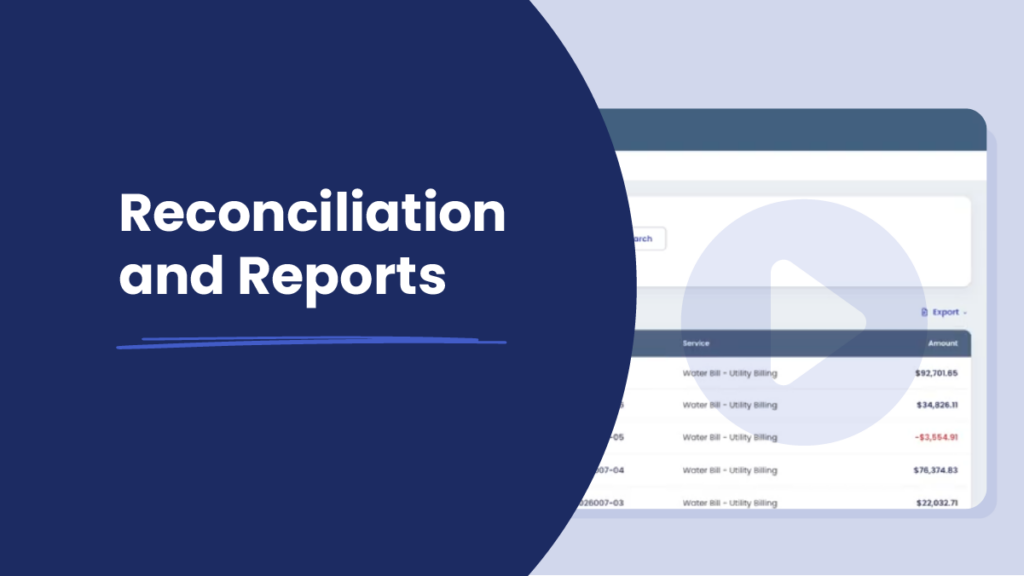
Reconciliation & Reports

Demo Video
0:46 mins – Agency Experience
Resident Profile

Demo Video
0:46 mins – Agency Experience
Analytics
Demo Video
0:46 mins – Agency Experience