
Resident Profile


This quick video shows how ProSight’s resident profile gives staff a single view of a resident’s account, so they spend less time searching for records during a call.
How does ProSight show a resident’s account info to staff?
What it does: When a resident contacts the agency, ProSight shows their account information in a single screen, so staff spend less time looking up records and more time resolving the issue.
What the profile shows: five most recent transactions, AutoPay and eBilling enrollment status, saved payment methods, whether the resident has verified their contact information, and date of last login. Access it directly from a transaction details page, or search by email address or customer ID.
Related Videos
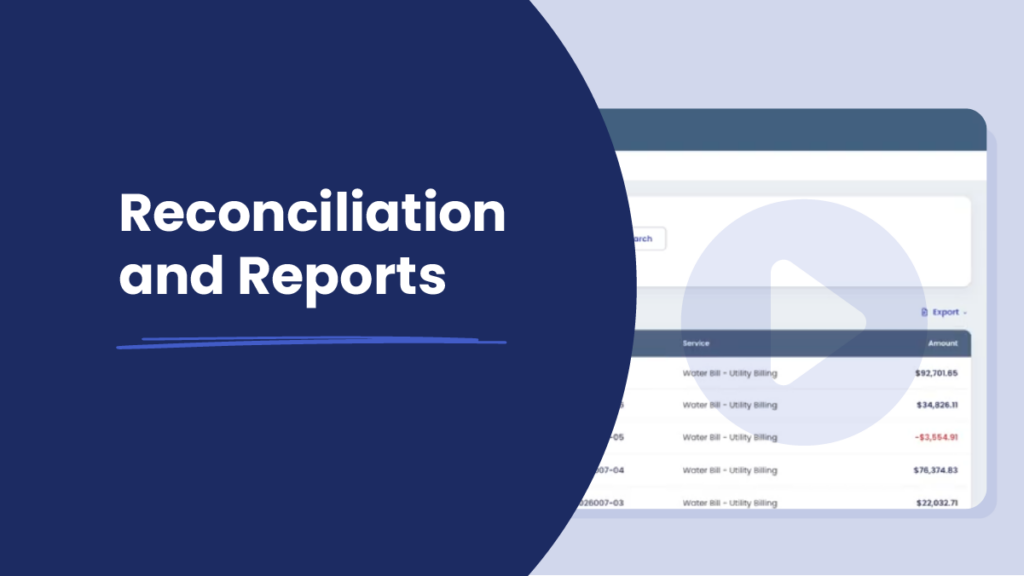
Demo Video
0:55 mins – Agency Experience
Reconciliation & Reports
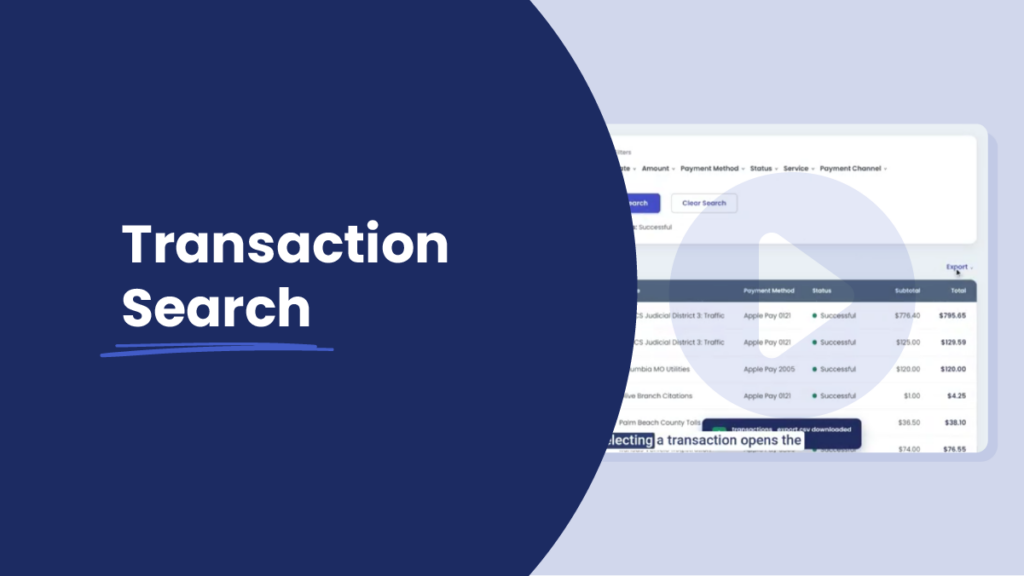
Demo Video
0:43 mins – Agency Experience
Transaction Search

Demo Video
0:46 mins – Agency Experience
Analytics
Demo Video
0:46 mins – Agency Experience