
Profile & Personal Info


This quick video covers how residents update contact info, payment methods, and notification preferences from one page, so fewer calls come in about outdated records.
How do residents update their contact info and payment methods?
What it does: Residents manage their contact information, payment methods, and notification preferences from one page, reducing calls that come from outdated records.
What residents can do: update contact information, add or remove saved payment methods, set notification preferences, view all linked accounts (property, vehicle, utility) from one screen, and access payment history with downloadable receipts for past transactions. All updates take effect immediately.
Related Videos
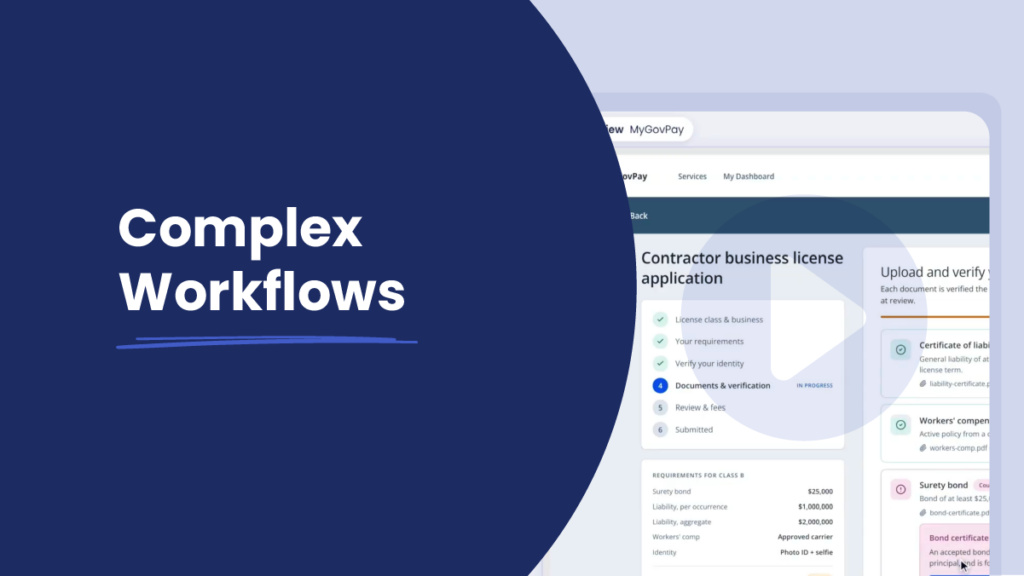
Demo Video
1:11 mins – Resident Experience
Complex Workflows
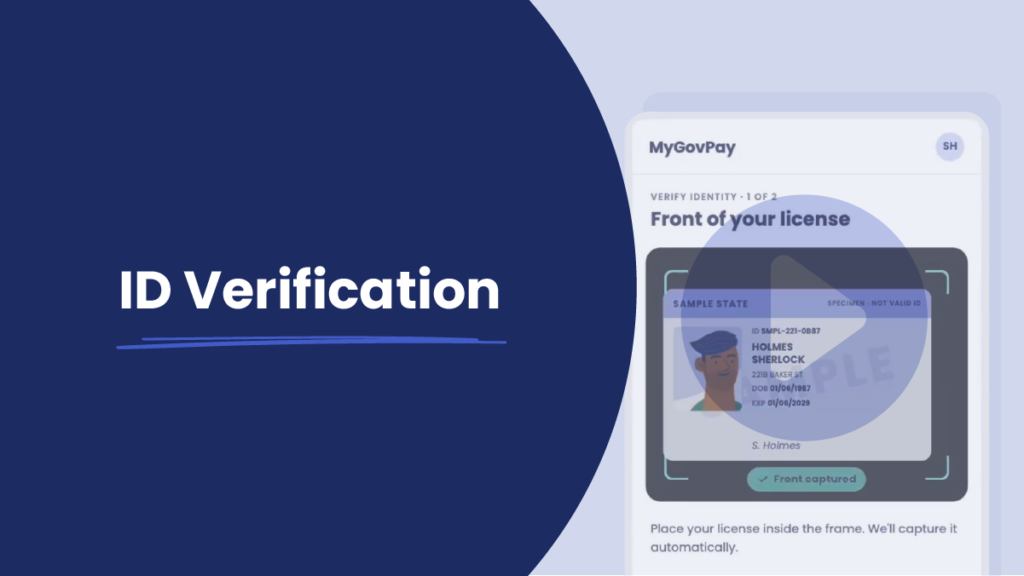
Demo Video
0:43 mins – Resident Experience
ID Verification
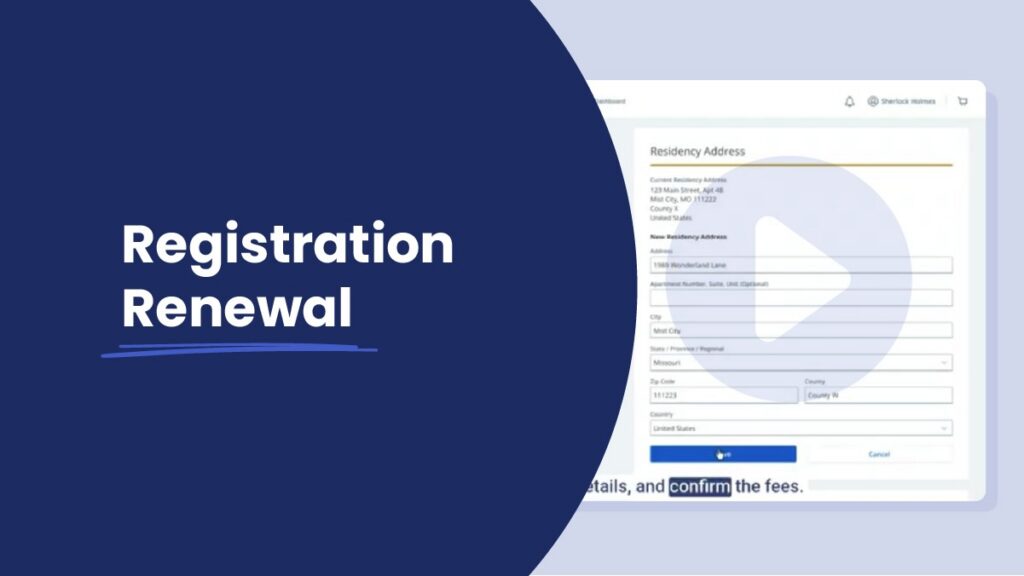
Demo Video
0:39 mins – Resident Experience
Registration Renewal
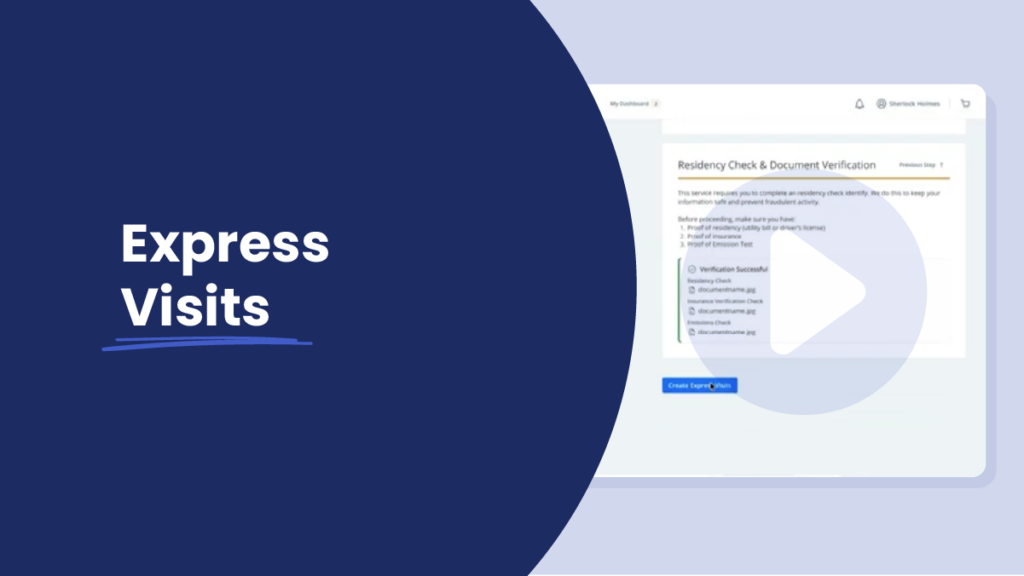
Demo Video
0:42 mins – Resident Experience